
Do you still need a website platform if AI can build your site?
AI can help build your website. The harder decision is choosing a setup your team can run. Compare platforms, custom code, and the work after launch.
 Words by Spring Studio
TL;DR
- AI can help build a website, but editing, publishing, hosting and support still need a workable setup.
- Compare complete options around your team’s publishing needs, ownership and the full cost after launch.
- Test six real tasks with the person who will maintain the site before choosing a platform or custom code.
A practical guide to Webflow, Framer, WordPress and AI-assisted custom websites for founders and marketing teams.
AI makes it easier to build a website directly in code. That raises a fair question: if Codex or Claude Code can help create the site, do you still need Webflow, Framer or WordPress?
Sometimes, yes. Sometimes a custom website makes more sense. The useful place to start is with the people who will run it after launch.
Who adds the next case study? Who makes a campaign page? Who checks that enquiries arrive? Who fixes a change that breaks something?
Those jobs remain whichever tool produces the first version. Your platform decision should make them manageable.
For a marketing team publishing regularly, a good visual platform can be worth paying for. For a business with specific requirements and dependable technical support, an AI-assisted custom website with a well-designed content management system (CMS) can be a strong option. The CMS is where your team edits and publishes content. A small site that rarely changes might need a much simpler setup.
Here’s how to work out which one fits.
Website builder vs AI coding: what are you actually choosing?
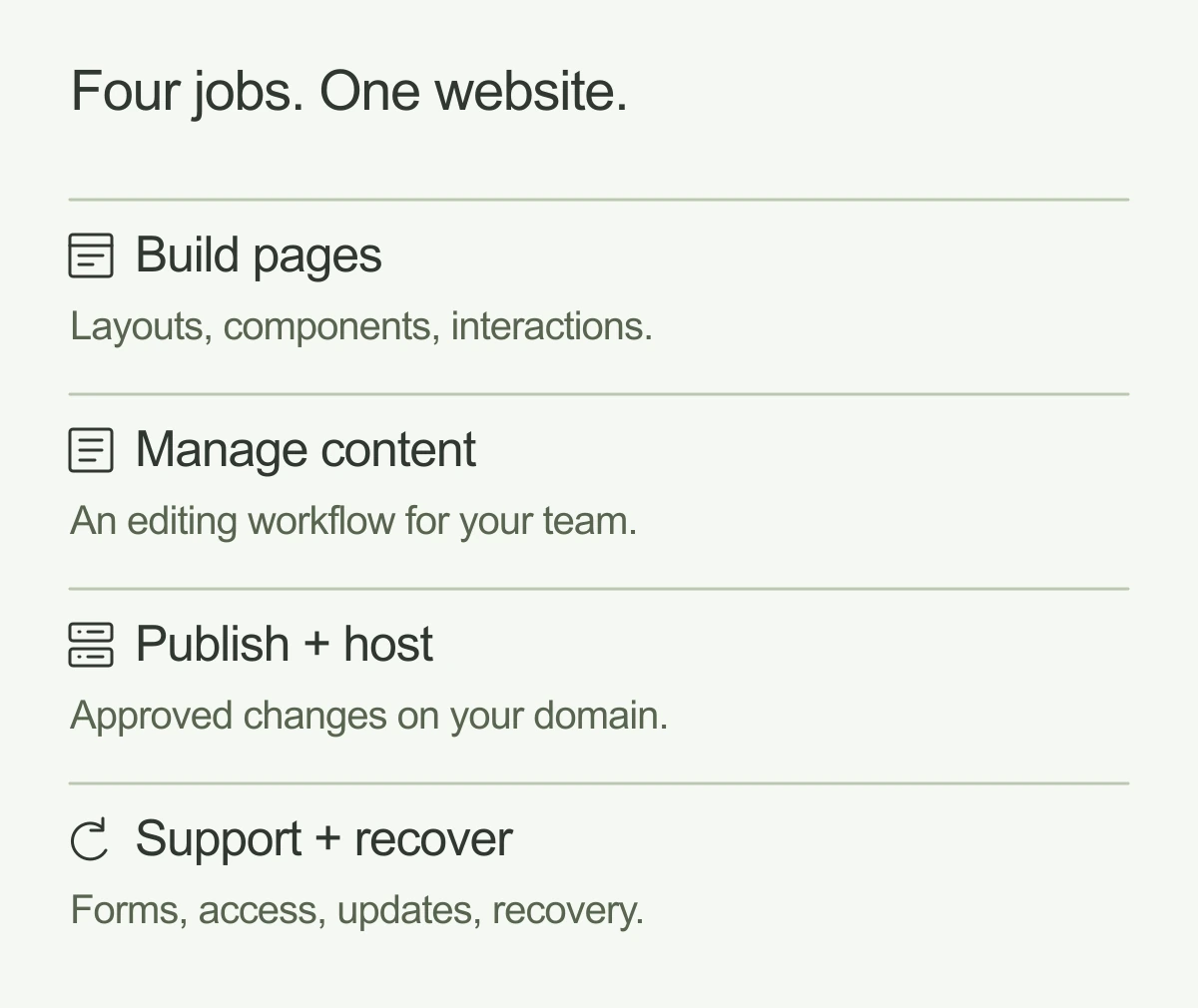
A website has several jobs to do:
- Build the pages. Turn design and content into the experience visitors see.
- Manage content. Give your team somewhere to edit services, articles, people and case studies.
- Publish and host. Make approved changes available on your domain.
- Keep things working. Handle forms, integrations, access, updates and recovery.
Website platforms bundle several of these jobs. A custom setup connects separate tools to do them.
Codex and Claude Code help with software development. They can read, write and change code, and work with development tools. The website they help create still needs an agreed approach to publishing, editing and support. Codex documentation, Claude Code overview.
You can also combine AI with a platform. Webflow, for example, has a Claude connector for content and site-management work. Choosing AI assistance doesn’t require giving up a visual editor. Webflow’s Claude connector.
A useful comparison puts complete setups next to each other: Webflow with its CMS and hosting; WordPress with a specified host and maintenance arrangement; or a custom frontend with a CMS, hosting and technical support.
Webflow vs Framer vs WordPress vs a custom website
The table below is a starting point for a shortlist. The actual editing experience depends on what your designer or developer delivers.
Swipe or scroll to compare the columns.
| Setup | A sensible fit | What your team can manage | What needs clear ownership |
|---|---|---|---|
| Webflow | Marketing teams that want a visual system and repeatable pages | Content and CMS entries; pages assembled from components, with the right role and setup | Component changes, custom integrations, plan limits and platform dependence |
| Framer | Design-led sites with an established set of layouts | Text, images, CMS content and supported component properties | Layout changes, advanced custom work and the exit path from Framer hosting |
| WordPress | Publishing-led teams or businesses with a useful existing WordPress setup | Posts, pages and the blocks or patterns provided | Hosting, plugins, theme quality, updates and recovery |
| Custom Astro or Next.js with a CMS such as Sanity | Businesses with specific frontend or content requirements and technical support | The content fields and page modules designed for editors | Connections between code, CMS, hosting and other services |
| Custom code without a CMS | Small, infrequently changed sites with a technical owner or an agreed update service | Changes through code or requests to the maintainer | Ongoing access to technical help and a reliable release process |
The product details behind these distinctions matter. Here’s what to ask about each option. If you’re comparing delivery options, explore our Webflow and Framer services alongside the workflows below.
Webflow: useful when marketing needs room to work
Webflow is worth considering when your team wants to publish content and build pages within an established design system.
Be specific about “editing access.” Webflow distinguishes content editing from page composition: its Content editor role can edit existing content, while its Marketer role can create and edit pages using components. Your handover should explain which role each person gets and what it allows them to do. Webflow client seats and roles.
A component-based setup can give a marketer useful freedom without asking them to redesign the site every time. They might assemble a campaign page from an approved hero, benefits section, customer quote and form.
Ask what happens when they need a section that hasn’t been designed yet. That work may still need a specialist, and it should be clear how they request it.
Framer: check the boundary between content and layout
Framer belongs on the shortlist for a design-led marketing site, especially when the team is comfortable working within a defined set of page layouts.
Its on-page editing supports text, rich text, images and component properties, including CMS content. Layout templates and overlay content are outside that editing workflow. Publishing also depends on collaborator permissions. Framer on-page editing.
That distinction matters in a handover. Replacing a testimonial and creating a new kind of landing page are different tasks. Ask to see both.
If most changes are new content inside familiar layouts, that may be plenty. If campaigns regularly need new structures, establish who makes those changes and how quickly the team can get help.
WordPress: judge the proposed build
“WordPress” can describe very different websites. A carefully configured block-theme site and a site assembled from several third-party builders may give editors very different experiences.
The WordPress Site Editor can manage styles, navigation, templates and pages when a block theme is active. Ask to try the actual theme, blocks and permissions proposed for your project. WordPress Site Editor.
Also separate WordPress’s open-source software from WordPress.com, the managed service, and from other hosting arrangements. The word “WordPress” alone doesn’t tell you who handles backups, updates or restoration.
WordPress’s own security guidance covers updates, plugins, backups and other ongoing work. A host or maintenance partner can take on agreed responsibilities. Get that division of work in writing. WordPress security guidance.
If your team already publishes happily in WordPress, has a substantial archive and relies on working integrations, there should be a clear business reason to migrate. Familiarity has value.
AI-assisted custom development: include the editor in the scope
A custom website can have a straightforward editing experience. Your marketing team doesn’t have to work in source code.
One example is Astro for the frontend and Sanity for content, with Codex or Claude Code helping the development process. Astro documents a Sanity integration, and Sanity supports visual editing with Astro. That editing experience needs configuration, including previews, draft handling and links between content and pages. Astro’s Sanity guide, Sanity’s Astro visual-editing guide.
An editor could have a case-study form with fields for the headline, challenge, approach, images and results. A campaign page could use reusable content modules. Whether those things are available depends on what gets built.
Next.js is another frontend option to discuss, particularly when the website needs application functionality. The framework decision should follow the requirements. It shouldn’t distract from demonstrating the editor’s workflow.
Custom development gives you choices about how these pieces fit together. It also creates connections somebody must maintain. Name that person or team before launch.
For simpler requirements, Wix and Squarespace are also worth including in your shortlist. Apply the same editing and handover tests rather than expanding the search into an endless feature comparison.
Who will update the website after launch?
Start with next Tuesday’s work. A homepage demo tells you only part of what you need to know. Write down the changes your team expects to make over the next three months.
For a founder, that might be changing the main message, adding a customer logo and updating a booking link.
For a marketing team, it could mean publishing two articles a week, creating campaign pages, updating a pricing explanation and passing form submissions into the CRM.
For a larger content operation, approval steps, permissions and reuse across different pages may matter more than the ability to move anything anywhere.
Then separate ordinary content changes from changes to the system itself. Adding a case study to an existing format is ordinary publishing. Introducing a new comparison tool or a new kind of case-study layout is a different piece of work.
Be realistic about who wants to own that work. A founder might enjoy making AI-assisted code changes today. If they expect a marketing hire to take over next quarter, the handover needs to work for that person too.
Compare the full cost of running the website
Subscription prices are easy to compare. They’re one part of the budget.
Public pricing checked on 19 October 2026 provides some context:
- Webflow Premium: $25 per month billed yearly, or $39 month-to-month. Workspace, seat and add-on costs can be separate. Webflow pricing.
- Framer Pro: $30 per month in the yearly pricing view. Editing seats and other requirements can add cost. Framer pricing.
- WordPress.com Business: $25 per month as an annual-plan equivalent. This is one managed service, not a universal price for running WordPress. WordPress.com pricing.
- Sanity Growth: $15 per seat per month. Frontend hosting and implementation are separate. Sanity pricing.
These are USD public-plan figures, not equivalent project quotes. Taxes, billing terms, usage, domains and additional services can change the total. Check the live pages before buying.
For each proposal, ask for a 12-month and 36-month view covering:
- Design, content preparation and the initial build
- Content migration, redirects and CMS setup
- Hosting, platform subscriptions and editor seats
- Forms, analytics, search, localization and integrations you actually need
- Maintenance, support and incident response
- Expected page and component changes
- Your team’s time managing the site
AI can change the development process. Compare the full cost of the delivered website and its ongoing support. Compare proposals using the same number of editors, content needs and support expectations.
Include the cost of switching later. A low subscription can be a poor saving if routine changes regularly pull a founder away from their business.
Website ownership, exports, and switching platforms
Ask five separate questions:
- Who controls the domain, billing and administrator accounts?
- Which design files, assets and source files will you receive?
- How can you export your content?
- Can the working site move to another host?
- What would need rebuilding if you left the platform or agency?
With Webflow, eligible paid Workspace plans allow code export, but a paid Site plan alone doesn’t provide it. Ordinary export leaves out CMS functionality and features such as form submission processing, site search, and code components. Content can be exported separately, and services may need replacements. Webflow code export.
With Framer, the official policy doesn’t provide a standalone HTML export for independent hosting. Consider the effort of rebuilding elsewhere when assessing the commitment. Framer export policy.
With WordPress, native content export includes items such as posts, pages and custom fields. Ask for a full backup and migration procedure too, since a content export doesn’t capture every part of the running site. WordPress export documentation.
With a custom frontend and Sanity, access to the code repository and content export gives you useful options. Sanity supports dataset exports including documents and assets. Moving to another CMS would still require work on content models, queries and the editing workflow. Sanity dataset exports.
A good handover explains how another capable team could take over. Include account access, licenses, deployment instructions and recovery steps in that discussion.
SEO and performance still need an owner
A platform can provide SEO controls. Someone has to use them well.
The proposal should cover useful page titles, crawlable content, internal links, redirects, canonical URLs and sitemaps. It should also explain who owns the content strategy and keeps old URLs working through a redesign. These are consistent with Google’s guidance on making content discoverable and understandable. Google’s SEO starter guide.
AI-assisted code, Webflow, Framer and WordPress should all be assessed against the pages actually delivered. Ask for checks on the homepage, an article and a campaign page, including their mobile experience and real tracking scripts.
Astro’s server-first architecture and zero client JavaScript by default can be a useful starting point for a content-led site. Images, video, fonts and added scripts still need care. Astro’s architecture.
Include accessibility in acceptance testing too: keyboard use, visible focus, readable contrast, headings and understandable forms. W3C recommends human evaluation alongside tools. Build that work into the scope rather than treating an automated score as the whole assessment. W3C accessibility evaluation.
Run this six-task test before choosing
Ask the person who will operate the website to try these tasks in the proposed setup. Use realistic content and record where they need help. This is a suggested evaluation, not a benchmark we’ve run across the platforms.
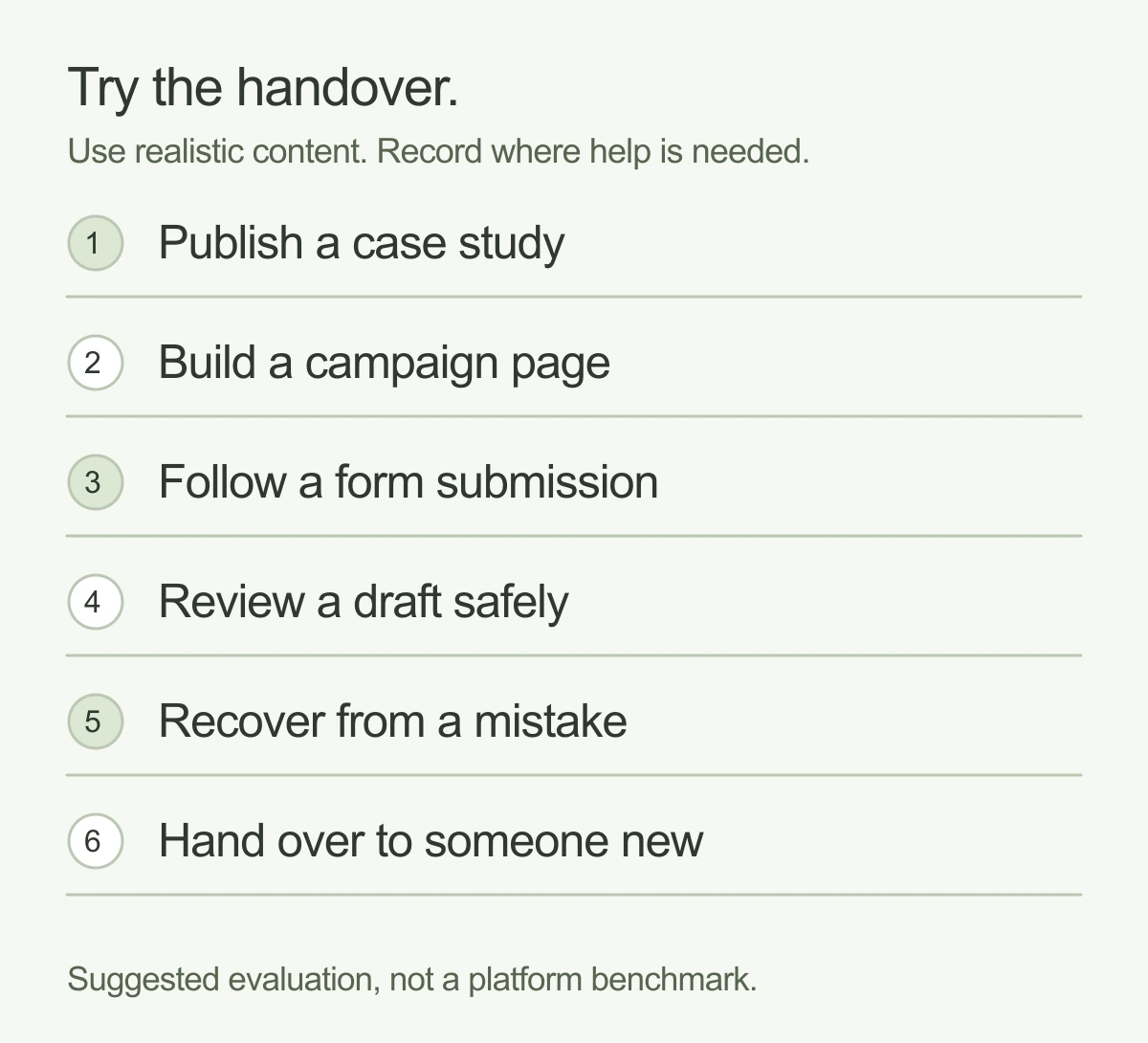
1. Publish a case study. Add copy, images, a title, description and URL. Preview it on mobile. Find out whether publishing updates the live site immediately or requires another step.
2. Build a campaign page. Assemble a page from existing sections. Then ask for one section the system doesn’t have. Establish where editorial independence ends and development work begins.
3. Change a form and follow the submission. Add a field, submit a test and verify that the right person or CRM receives the right information. Ask how failures are noticed.
4. Review a draft without publishing it. Give a colleague access to preview and comment. Check what they can change, approve and publish.
5. Recover from a mistake. Demonstrate the relevant recovery process on a safe test change. Find out whether content changes and code releases have different restoration paths.
6. Hand the site to someone new. Give them the documentation and appropriate access. Can they understand how to edit, publish and get help without relying on the original builder’s memory?
The answers are more useful than a long feature list. They show the working relationship you’re buying into.
A practical way to choose
Shortlist Webflow or Framer when a visual editing workflow and repeatable marketing pages are priorities. Make the decision using the actual components, roles and change requests your team needs.
Consider WordPress when publishing requirements, existing content and team familiarity make it a sensible fit. Pay attention to the proposed theme, plugins and maintenance arrangement.
Consider custom development with a CMS when the requirements justify more control and you have dependable technical support. Include the editorial experience in the original scope.
Consider a simpler custom site without a CMS when changes are rare and someone is clearly responsible for making them.
The right setup should help your team keep the website useful. Start with the work they need to do, show how they’ll do it and make the responsibilities clear before choosing the technology.
Frequently asked questions
Can Claude Code or Codex replace a CMS?
They can help build or change a site and connect to content tools. If your team needs structured content, previews, permissions and repeatable publishing, those needs still require an implemented workflow. A coding agent can be part of it.
Can a marketing team update a custom-coded website?
Yes, when the delivery includes a suitable CMS or editing interface. Ask which fields and page sections editors can change, and what happens when they need something new.
Is an AI-built website cheaper than Webflow or WordPress?
It can be, depending on the scope and ongoing support. Compare the complete cost of building, hosting, editing and maintaining equivalent sites. Include your own time and the likely cost of future changes.
Are AI-built websites good for SEO?
Their quality depends on the implementation and content. Check discoverability, page structure, metadata, links, performance and migration details using the same criteria you would apply to any website.
Planning a new website? Explore our website design work. If you’re moving an existing site, include content migration and redirects in the plan.
And good people.Meet Spring